Typesy Homeschool: Online Typing Program Review
Typesy Homeschool: Online Typing Program Review
Disclosure: This post contains affiliate links, which means I may earn a commission if you make a purchase through one of my links, at no additional cost to you. As an Amazon Associate, I earn from qualifying purchases. Please see our full disclosure for more information. The Art Kit participates in the Target Affiliate Marketing Program and Walmart’s affiliate program and may earn commissions from qualifying purchases made through our links. Please note: Always use appropriate supervision and use caution with small pieces. Be sure products and activities are appropriate for your child’s age and skill level.
I was compensated for my time to review this product, write this review, and host the giveaway. As always, I only share material I believe will be of value to you. Thank you for your support by reading and clicking through to see how this material can be of benefit to you.
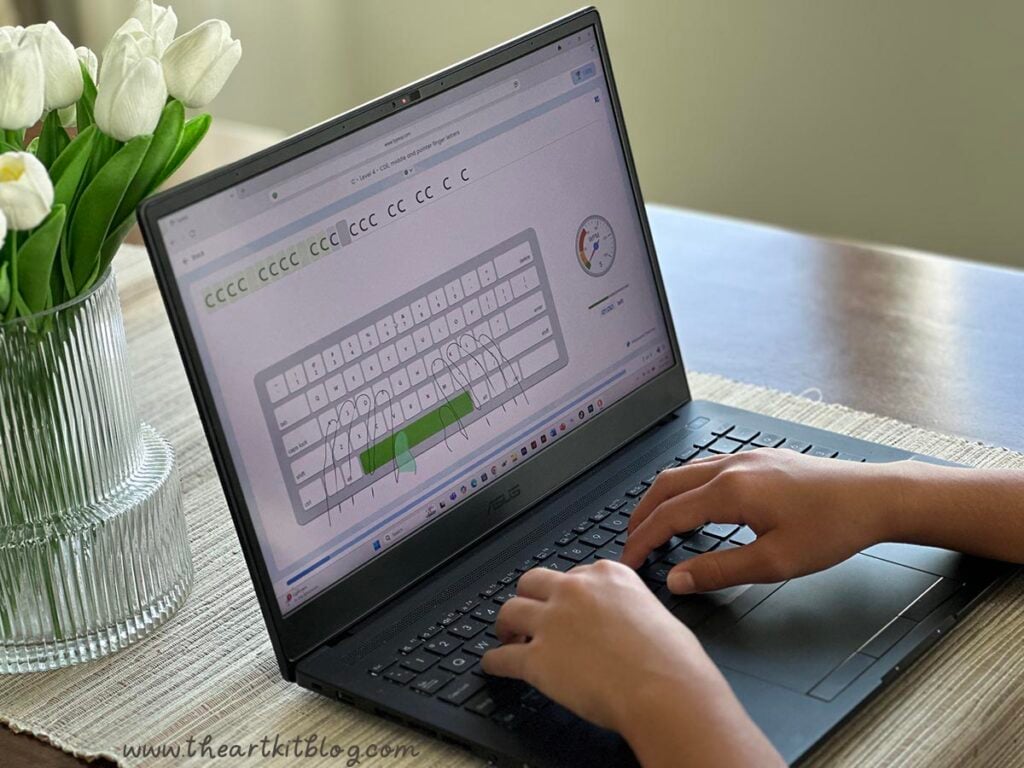
Let’s talk typing. Because as much as we’d love for our kids to send handwritten thank-you notes and journal entries forever, knowing how to touch type is also important. Whether your child is writing book reports, chatting with Grandma over email, or preparing for that first job—typing matters.
And if you’re anything like me, you want to find a typing program that actually works and engages the kids so they'll actually want to use it.
Enter: Typesy.
I tried it. My kids tried it. And now I’m here to give you the scoop!
Typesy is a powerhouse and is unlike any other typing program I've seen. They make learning to type easy and fun but they don't stop there - they offer tools to build vocabulary, improve spelling, and strengthen overall language skills as well.

What is Typesy?
Typesy is an online typing program that teaches keyboarding skills through a mix of video instruction, games, and typing drills. It's used in schools and homeschools, which means it has enough structure to be solid but enough fun to keep your kids from zoning out after five minutes.
It’s designed for ages 6+, and works on any computer or tablet with a keyboard (you’ll want a real keyboard, not just an on-screen one for full benefit).
Typesy is powerful. Their platform boasts over 23,457 lessons.
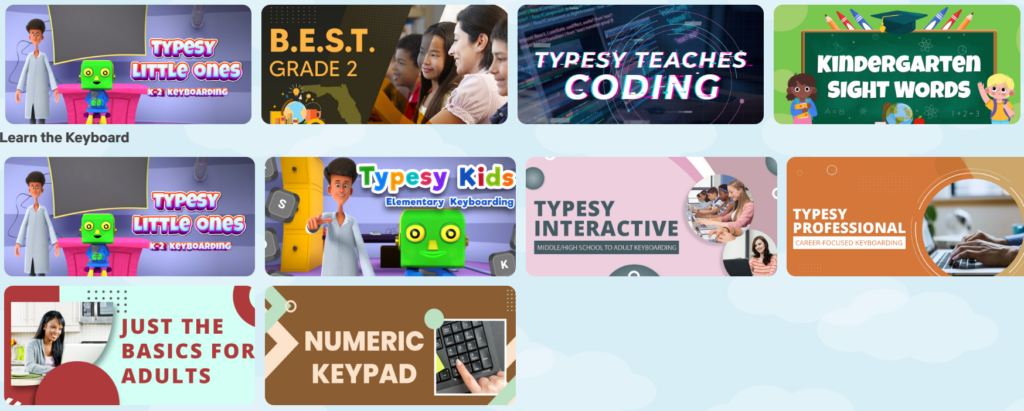
Typesy isn’t just a typing program—it’s a full keyboarding curriculum with options for every age and skill level. And that’s just the start. It comes packed with over 17,864 standards-aligned lessons covering typing, digital citizenship, computer basics, and more. The best part? You’re in control. Students can only see what you assign, giving you total control over their homeschool learning path.
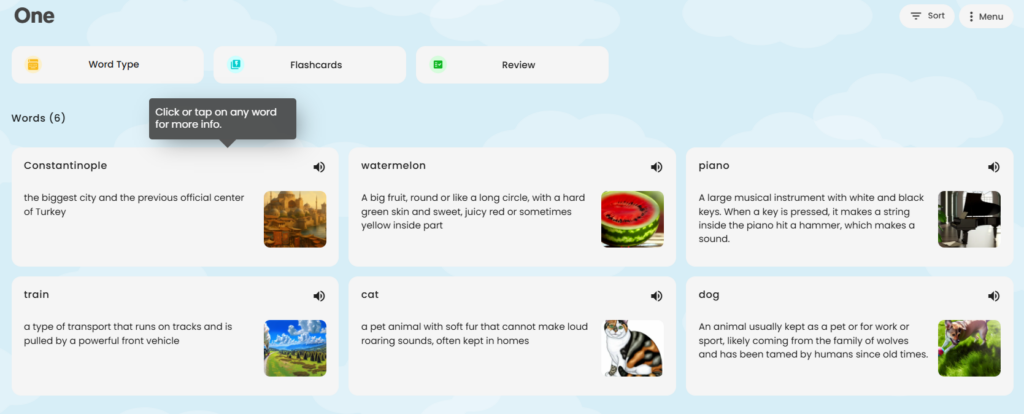
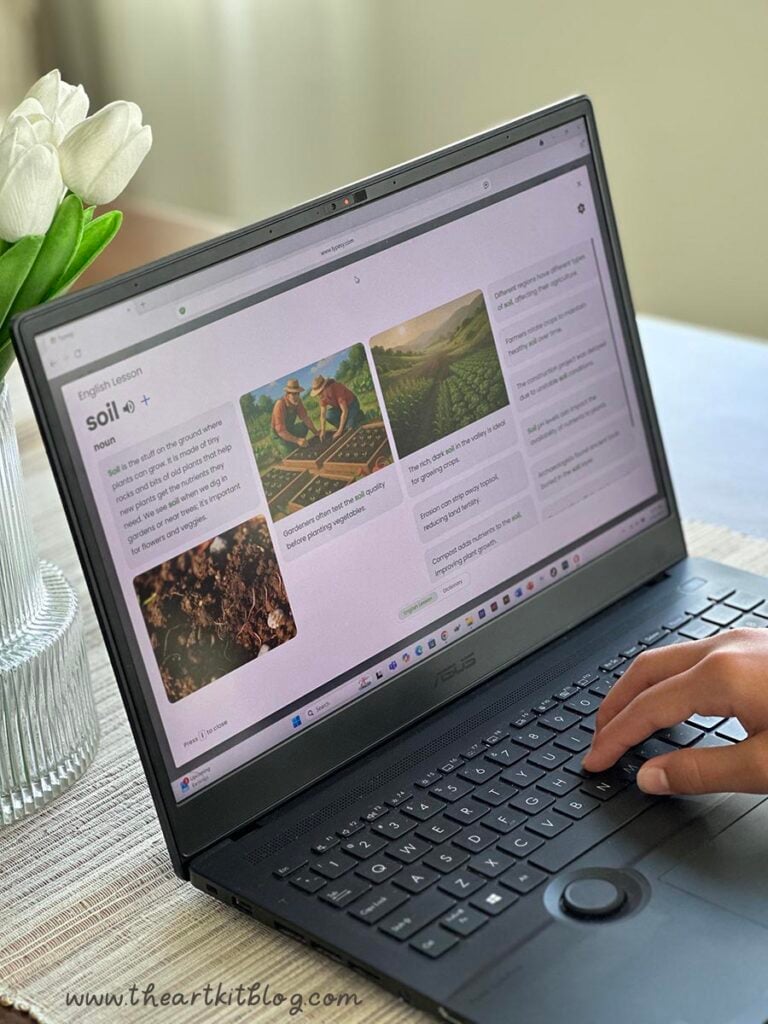
One of the neatest aspects of Typesy is that you can also create and share a word list for your children. Simply type the words you'd like included and Typesy automatically adds a wealth of learning information for any English word.
Your children can even practice assigned spelling words while improving their typing speed.
I love that Typesy offers so many powerful tools to build vocabulary, improve spelling, and strengthen overall language skills.

Features I Loved:
✔ Structured Lessons with Real Instruction
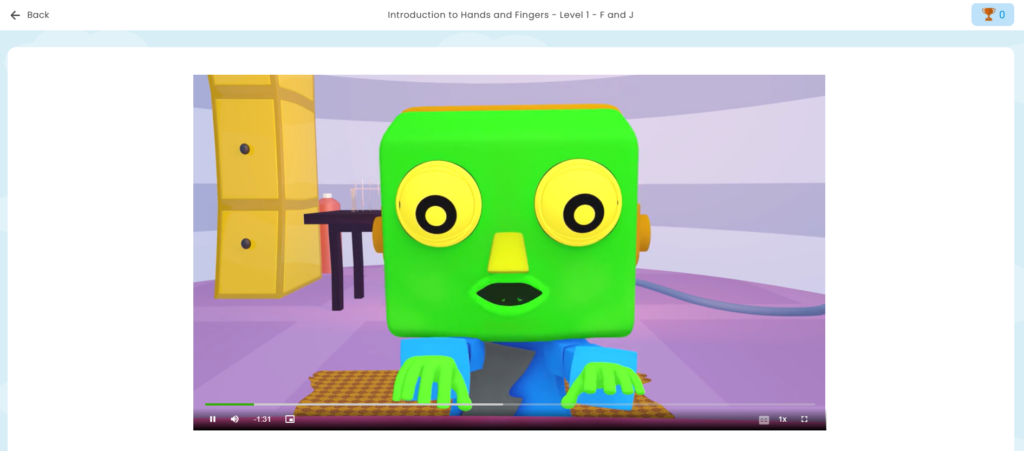
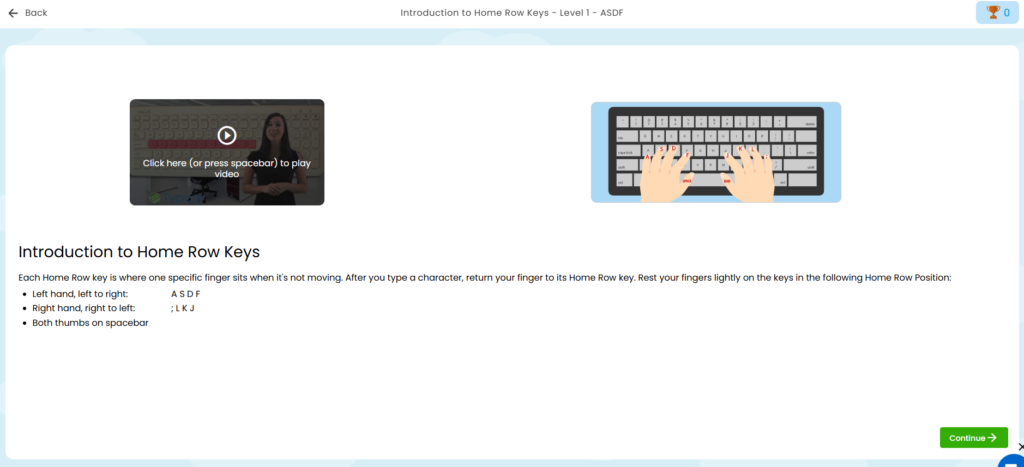
This isn’t just “play this game and hope for the best.” Typesy teaches typing—starting with where to place your fingers and then gradually improving speed.

✔ Video + Practice Combo
Each lesson starts with a short video (they’re surprisingly engaging!) followed by interactive practice.

✔ Gamified Progress
Kids can unlock achievements and play skill-building games that actually reinforce typing skills. Plus, as kids progress, they get to hatch virtual pets. Not only will the kids enjoy collecting them but they will also unlock special powers within the program.
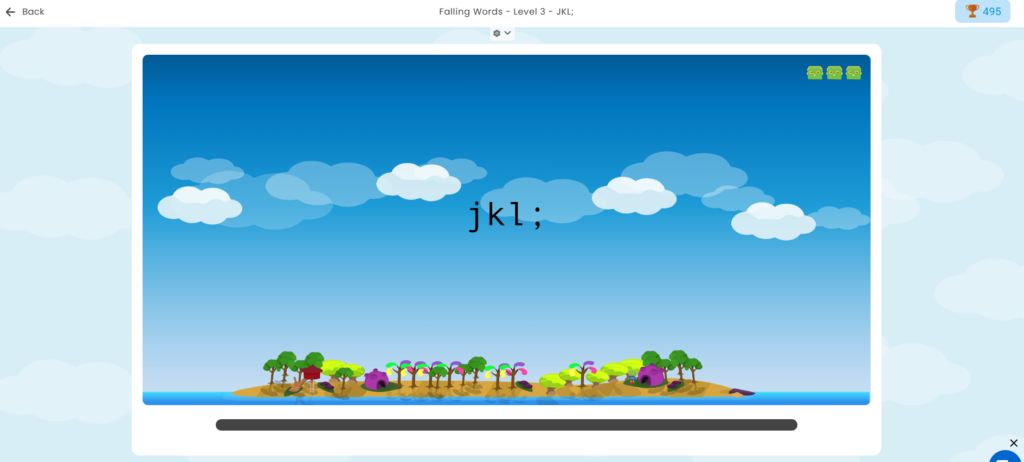

✔ Multiple Users (Homeschool Win!)
One license can be used for the whole family. 🙌 Huge deal for us homeschoolers with more than one children learning at once.

✔ Parent Dashboard
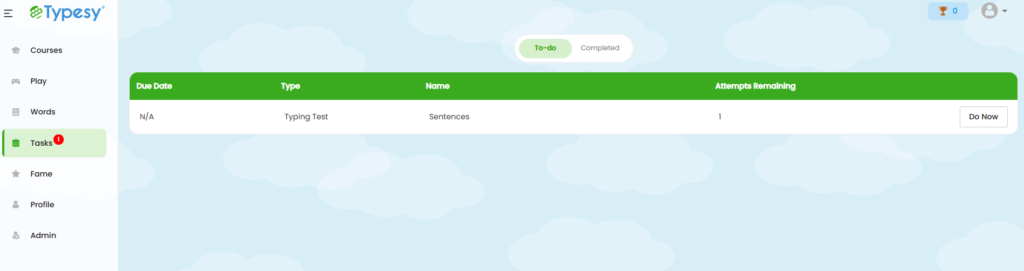
Want to track progress? You can easily see how your child is progressing in Typesy thanks to their parent dashboard. You can even assign work, create and grade tests, see stats, reset passwords, and more.
✔ Works on multiple devices
Typesy stores everything in the cloud which means whatever you log in on, your work is synced so you can start off where you left off. Plus, you get unlimited installs on all your Windows, Mac, iPad, Android tablet, and Chromebook devices.

Is Typesy Worth the Price?
Honestly? YES.
Their family license is very reasonably priced and that includes access for multiple kids for five years.
That makes is so much more affordable than some other programs that charge per child, per month.

Who Should Use It?
- Homeschoolers who want typing built into their language arts or tech skills rotation
- Teachers and co-ops who need something kid-friendly with solid structure
- Parents of reluctant typists who need a little fun mixed in with their finger drills
- Anyone preparing for high school, college, or job skills
Final Thoughts
If you're looking for an incredible typing program, something that will work for all ages - young children to adults, something without ads or questionable content, something that is fun, easy to navigate, includes a robust parent dashboard, is priced affordably, and even includes lots of extras, you need Typesy!
I can't recommend them enough! I enjoyed the program as did my children. We've tried other programs in the past and this is my favorite by far.
Where to Get It
Pin this to save it for later!